Catering POS System: How to Choose the Right One

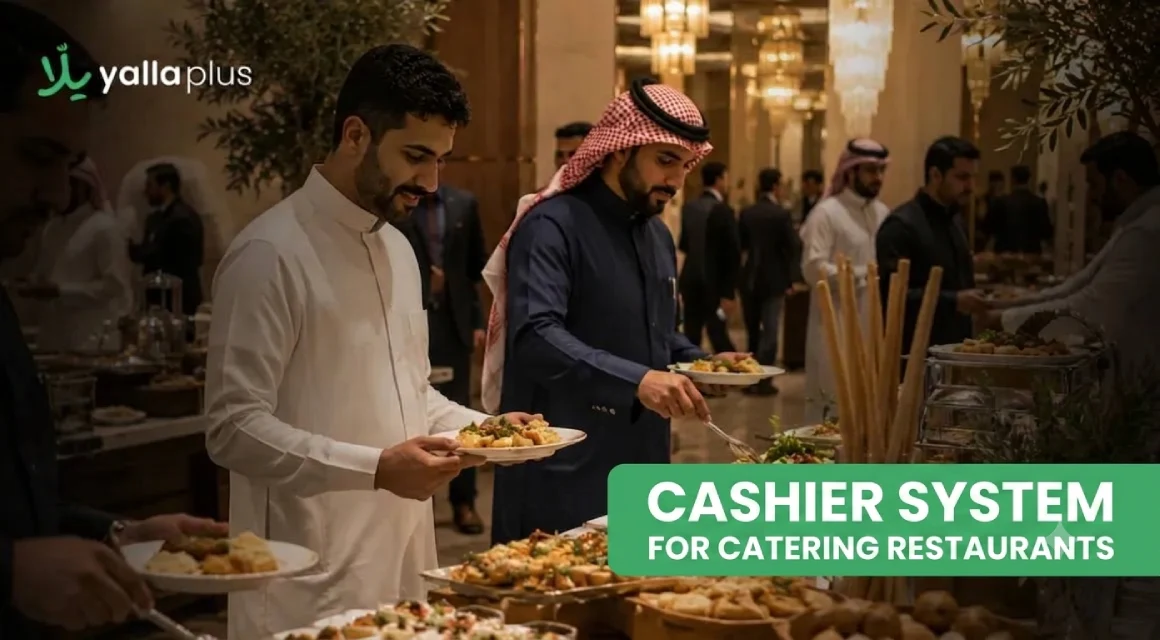
Running a catering restaurant is a unique challenge. You handle bulk orders for events, weddings, and big gatherings, often at the same time. This is why choosing the right catering cashier system is crucial.
A good POS system does more than process payments. It links the cashier to the kitchen. It tracks inventory in real time. It also keeps orders organized, even when things get busy.
How to Choose a Suitable Cashier System for a Catering Restaurant
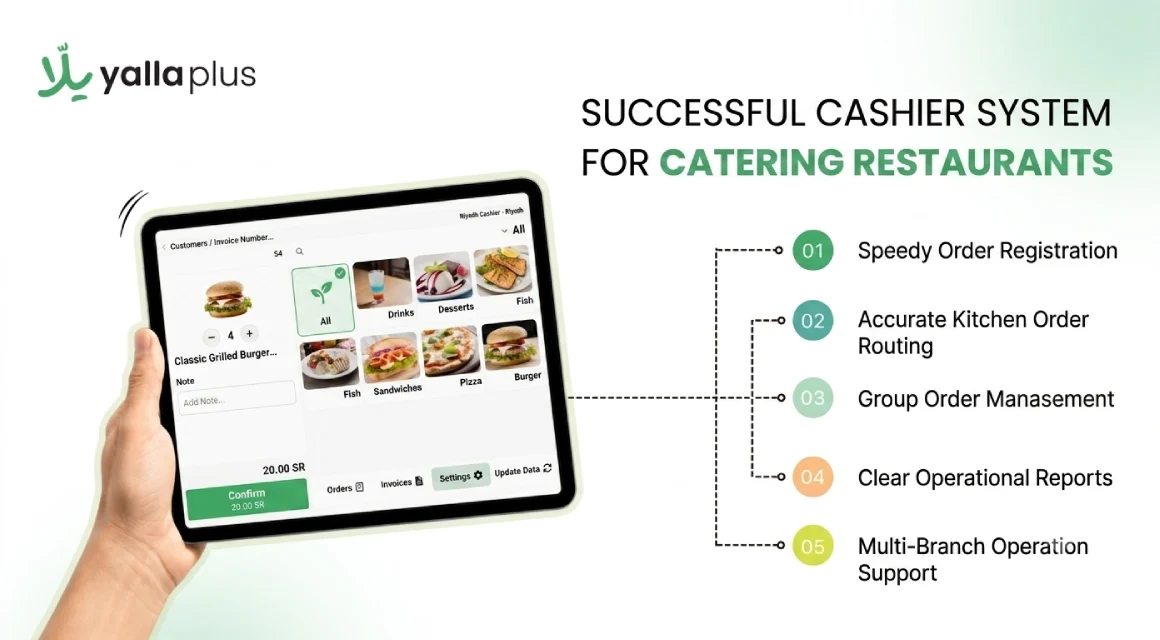
Not every POS system meets the needs of catering. Here’s what to consider:
1. Ease of Use Under Pressure
Your staff shouldn’t need a manual during busy times. The best cashier systems have a simple interface. This allows your team to enter orders quickly and confidently. A user-friendly system means fewer mistakes at busy times. It also reduces the need to retrain new staff.
2. Direct Kitchen Integration
In catering, communication between the register and the kitchen is vital. The right system sends orders directly to the kitchen as soon as they’re entered. This feature reduces fulfillment errors significantly.
3. Handling Bulk and Advance Orders
Generic systems often cater to walk-in customers. Catering is different. Orders come in advance and are usually for large groups with specific requirements. Your restaurant cashier system must handle this efficiently. If your team is making notes to piece together a bulk order, your system isn’t the right fit.
4. Sales and Performance Reports
A good catering POS doesn’t just take orders. It provides insights into what works. Which items are popular? What days are busiest? What’s your revenue per order? This data helps you plan better and reduce waste. If your system can’t create clear reports, you’re making decisions without the right info.
5. Integration Across Your Operation
Top catering cashier systems don’t operate in isolation. They connect the cashier with inventory, the kitchen, and sales data. Entering numbers into spreadsheets manually every day wastes both time and money.
Key Features of a POS System for Catering Services
Once you’ve narrowed your options, look for these features that distinguish a great catering POS:
- Fast order entry. Your staff should input orders in seconds. Every second counts during busy events.
- Kitchen display or print integration. Orders should go to the kitchen immediately, without paper trails or shouting.
- Bulk order management. You must track large orders from placement to delivery, with clear visibility at every stage.
- Real-time sales data. A live dashboard shows active orders and items sold, helping you stay in control during service.
- Multi-branch support. If you have multiple locations, you need one control panel. Switching between accounts wastes time.
Benefits of Using a Cashier System in Your Catering Restaurant
Catering restaurants using outdated systems struggle to scale. Here’s what changes with the right system:
- Fewer order errors. Digital orders sent directly to the kitchen reduce human error. This is crucial with large, complex orders.
- Faster service. Less time clarifying orders means a quicker kitchen response, and customers notice the difference.
- Easier large-order management. Your system keeps details organized for events, ensuring nothing slips through. Pairing this with an online restaurant menu lets clients browse and pre-select items, reducing back-and-forth.
- Live visibility on your numbers. You can check order volume and top-selling items during service, not just at the end of the day.
- All connected, one source of truth. When the cashier, kitchen, and inventory work together, your operation runs smoothly. This is especially true during busy times.
How Yalla Plus Helps Catering Restaurants Run Better
If you need the best POS system in KSA for catering, Yalla Plus is tailored for Saudi operations, not a generic solution.
Here’s how it works daily:
- Order organization from the start. Every order entered is visible to the kitchen, clearly categorized, and linked to the sale record.
- Performance tracking during service. The Yalla lus dashboard displays order flow and item popularity. This lets you make changes before problems happen.
- Built-in bulk order management. Yalla Plus lets you manage large orders step-by-step, with full visibility at every stage.
- All departments on one platform. The cashier, kitchen, and inventory work together. This integration helps when serving hundreds of people.
- Multi-branch management. our systemgives you a single view of all locations. This saves time and keeps data consistent.
Catering POS vs. Generic Cashier System: What's the Difference?
Not all cashier systems meet catering needs with the same effectiveness. Here’s the difference:
Feature
- Generic POS
- Catering-Focused POS
Bulk order handling
- Workarounds needed
- Built-in
Kitchen integration
- Sometimes
- Standard
Real-time sales reports
- Basic
- Detailed and live
Advance order scheduling
- Rarely supported
- Supported natively
Multi-branch management
- Separate logins
- Centralized dashboard
Inventory integration
- Separate tool needed
- Connected in-platform
The gap widens as your volume increases. A typical system can manage five catering orders a week. However, it struggles with fifty, especially for events where mistakes are expensive.
Frequently Asked Questions
What is a catering restaurant cashier system?
It's a POS system made for catering restaurants. It includes bulk order management and real-time tracking.
Does a POS system help reduce errors in catering operations?
Yes. Digital orders go directly to the kitchen, reducing mistakes, especially in large orders.
Is YallaPlus suitable for catering restaurants in Saudi Arabia?
Yes. Yalla Plus is designed for the Saudi market, meeting the needs of catering operations.
How do I know if my current cashier system isn't working for my catering restaurant?
Signs include:
- Lost orders
- Inaccurate kitchen information
- Difficulty managing bulk orders
- Limited reporting
If any of these sound familiar, consider evaluating your options.
.png)