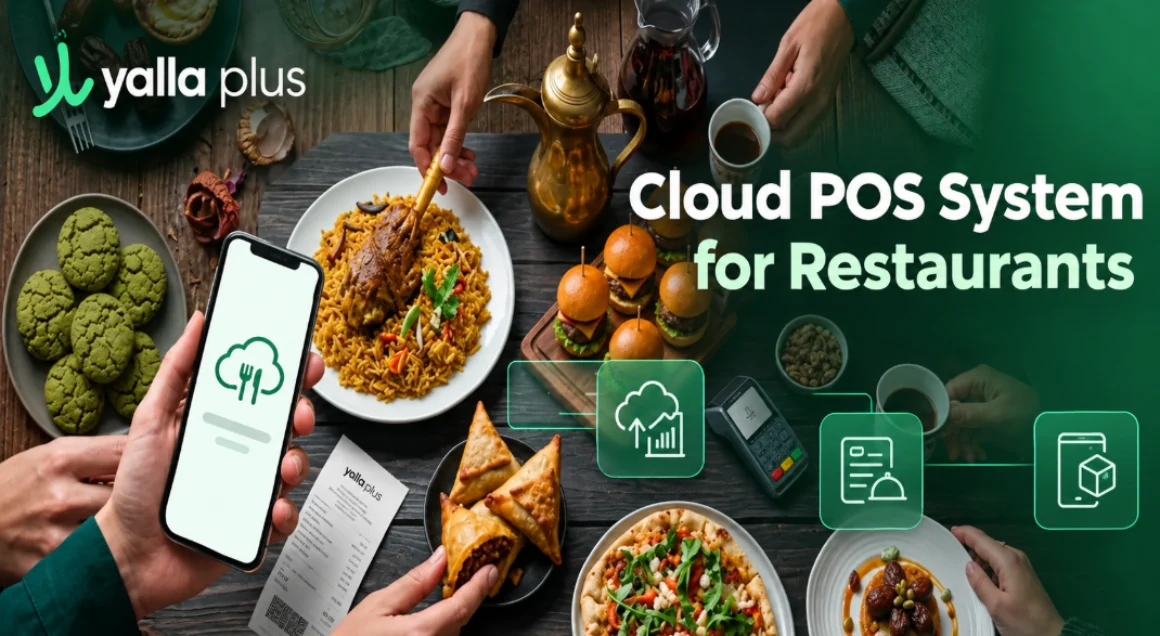
Cloud POS System for Restaurants: The Best Way to Run Your Restaurant

Picture this: you're at home on your day off, and you open your phone to check how the lunch rush went at your restaurant. Sales, best-selling dishes, which branch is busiest, it's all right there, live, without calling anyone or driving in. That's what a cloud POS system gives you, and once you've had it, going back to a machine chained to the front counter feels like using a fax in a world of WhatsApp.
If you're running a restaurant or café in Saudi Arabia and still relying on an old-school register that only works when you're standing in front of it, this is the upgrade worth understanding. Let's walk through what a cloud POS system actually is, how it's different from the traditional kind, and how to pick one that fits how restaurants here really operate.
What is a cloud POS system?
A cloud POS system is a point of sale that stores your data on secure remote servers instead of on a single machine at your counter. Your sales, menu, inventory, and reports all live in the cloud, which means you can reach them from any device, anywhere, as long as you're logged in.
Traditional POS software does the opposite. Everything sits on one local computer at the restaurant. If you want to check yesterday's numbers, you have to be there. If you want to update a price across three branches, you do it three times. And when something needs fixing, you wait for a technician to show up.
Cloud POS software flips that model. The heavy lifting happens on the provider's servers, updates roll out automatically, and you run the whole thing from a tablet or phone. Same core job, ringing up orders, but far more freedom in how and where you manage it.
Cloud vs traditional: the difference that actually matters
The gap between the two comes down to a handful of things you'll feel every single day.
Cost to start. Traditional systems hit you with expensive proprietary hardware and licensing up front. A cloud POS system runs on standard tablets on a subscription, so your first-year cost is dramatically lower, often by more than half.
Where you can work. Traditional means on-site only. Cloud means you check performance, tweak the menu, and pull reports from your couch, your car, or another city.
Updates and compliance. With a local system, someone has to manually install every update. With cloud POS software, patches and compliance changes, including anything ZATCA rolls out, deploy automatically. You're never caught running an outdated, non-compliant version.
Adding branches. Opening a second location on a traditional setup means buying and configuring a whole new system. On the cloud, you add a branch in minutes and manage it from the same dashboard.
Your data's safety. If the counter machine dies on a legacy system, your data can go with it. Cloud POS backs everything up automatically, so a broken tablet is an inconvenience, not a disaster.
None of this is theoretical. It's the reason most new restaurants in the region don't even consider the old model anymore.
Why a cloud POS system for restaurants in Saudi Arabia makes even more sense
The Saudi market adds a few reasons on top of the universal ones.
ZATCA and Fatoorah e-invoicing compliance is mandatory, and the rules evolve. A cloud system keeps you compliant automatically instead of leaving you to chase updates. Your receipts carry the right QR codes and correct VAT without you thinking about it.
Then there's the way restaurants here grow. Successful concepts expand fast, one café becomes three, a single kitchen adds a delivery-only branch. Managing that from one cloud dashboard, with unified reporting across every location, is the difference between scaling smoothly and drowning in spreadsheets. If you want the bigger picture on running a multi-location operation, this piece on the restaurant management system in Saudi Arabia covers it well.
And because your customers pay with mada, Visa, and cash, and order through delivery apps, a cloud POS that pulls all of that into one real-time view keeps your team from juggling devices during the evening rush.
What to look for in cloud POS software for restaurants and cafés
Before you commit to any provider, hold it against this short list.
Built-in ZATCA compliance that updates itself, not something you configure and hope stays current.
True Arabic and English support, clean in both, across the interface and your receipts.
Real remote access, a live dashboard you can actually run the business from, not just a read-only report.
Offline mode with auto-sync, so a dropped connection never stops you taking orders; the data catches up the moment you're back online.
Multi-branch management from one place, with reporting that rolls every location into a single view.
Inventory and low-stock alerts, so you know what's running low before a customer orders the thing you're out of.
Local support that's actually reachable, ideally around the clock, because problems don't wait for business hours.
That offline point deserves emphasis. "Cloud" shouldn't mean "useless without internet." The best cloud POS software keeps running locally and syncs automatically, giving you the freedom of the cloud without the fragility.
Why yalla plus is the best cloud POS system for restaurants
This is the combination yalla plus was built to deliver. It's a cloud POS system designed for the Saudi market, headquartered in Riyadh, and used across seven countries, so the local essentials aren't extras, they're the foundation.
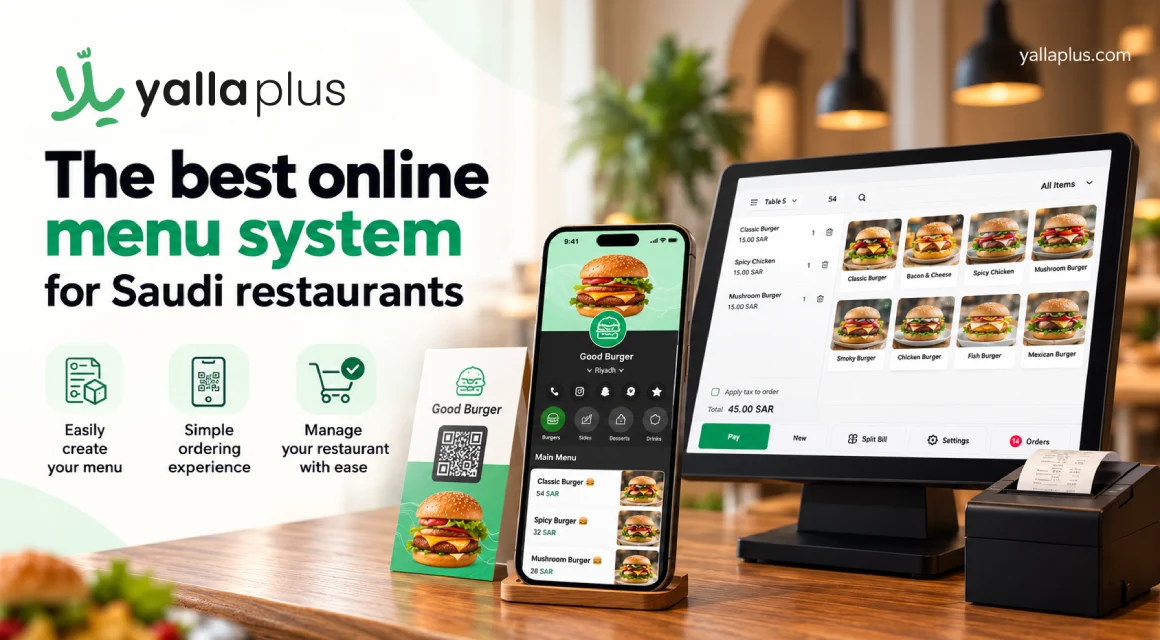
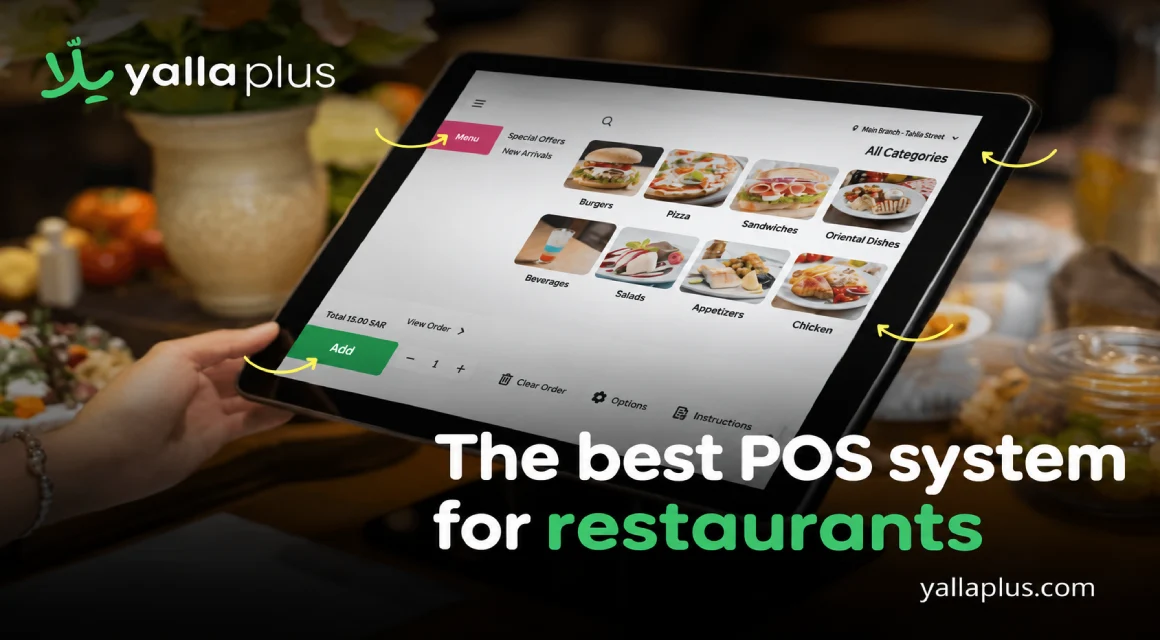
The Yalla Plus cashier system gives you a real-time dashboard you can run from anywhere, unified reporting across all your branches, and ZATCA-compliant e-invoicing that stays current on its own. It keeps working offline and syncs the moment you reconnect, tracks inventory with low-stock alerts, and handles cash, card, and delivery-app orders in one place. Backing it all up is 24/7 technical support, which matters more than any feature list when it's Thursday night and you need an answer now.
It also connects to the rest of the platform, your digital menu, order and pay, and reports all speaking the same language, so nothing lives on an island. For a closer look at what owners get out of it day to day, the advantages of using the Yalla Plus cashier system spells it out.
From a single café to a growing chain
One of the quiet strengths of cloud POS software is that it fits both ends of the spectrum. A small café gets an affordable, easy setup with no expensive hardware, while a growing group gets multi-branch control that scales without a rebuild.
If you're on the smaller side and weighing your options, it's worth reading up on the best cashier system for small restaurants before you decide, since the priorities shift when the team and the budget are leaner. Either way, the point of the cloud is that you start where you are and grow without starting over.
The summary
A cloud POS system isn't just a newer cash register, it's a different way of running the business, one where you're not tied to the counter and your numbers are always within reach. For restaurants and cafés in Saudi Arabia, where compliance is mandatory and growth can come fast, that flexibility is worth a lot.
Pick cloud POS software that's compliant by default, fluent in Arabic and English, reliable offline, and easy to scale, and you've set yourself up to grow instead of just keep up. If that's the goal, yalla plus is built for exactly this market, and it's a solid place to start.
Frequently asked questions
Does a cloud POS system work without internet?
Yes, a good one does. It keeps taking orders and printing receipts offline, then syncs your data automatically the moment the connection returns, so you never lose a sale.
Is a cloud POS system cheaper than a traditional one?
Usually, especially up front. You skip the expensive proprietary hardware and licensing and run on standard tablets with a subscription, which can cut first-year costs by more than half.
Is a cloud POS system ZATCA compliant?
It should be, and yalla plus is. Because it's cloud-based, compliance and VAT updates deploy automatically, so your invoicing stays correct without manual work on your end.
Can I manage more than one branch from a cloud POS?
That's one of its biggest advantages. You oversee every location from a single dashboard with unified reporting, and adding a new branch takes minutes, not a whole new installation.
Is my data safe in the cloud?
Your data is backed up automatically on secure remote servers, so if a device breaks or goes missing, your sales history and settings are still there and reachable from another device.
.png)